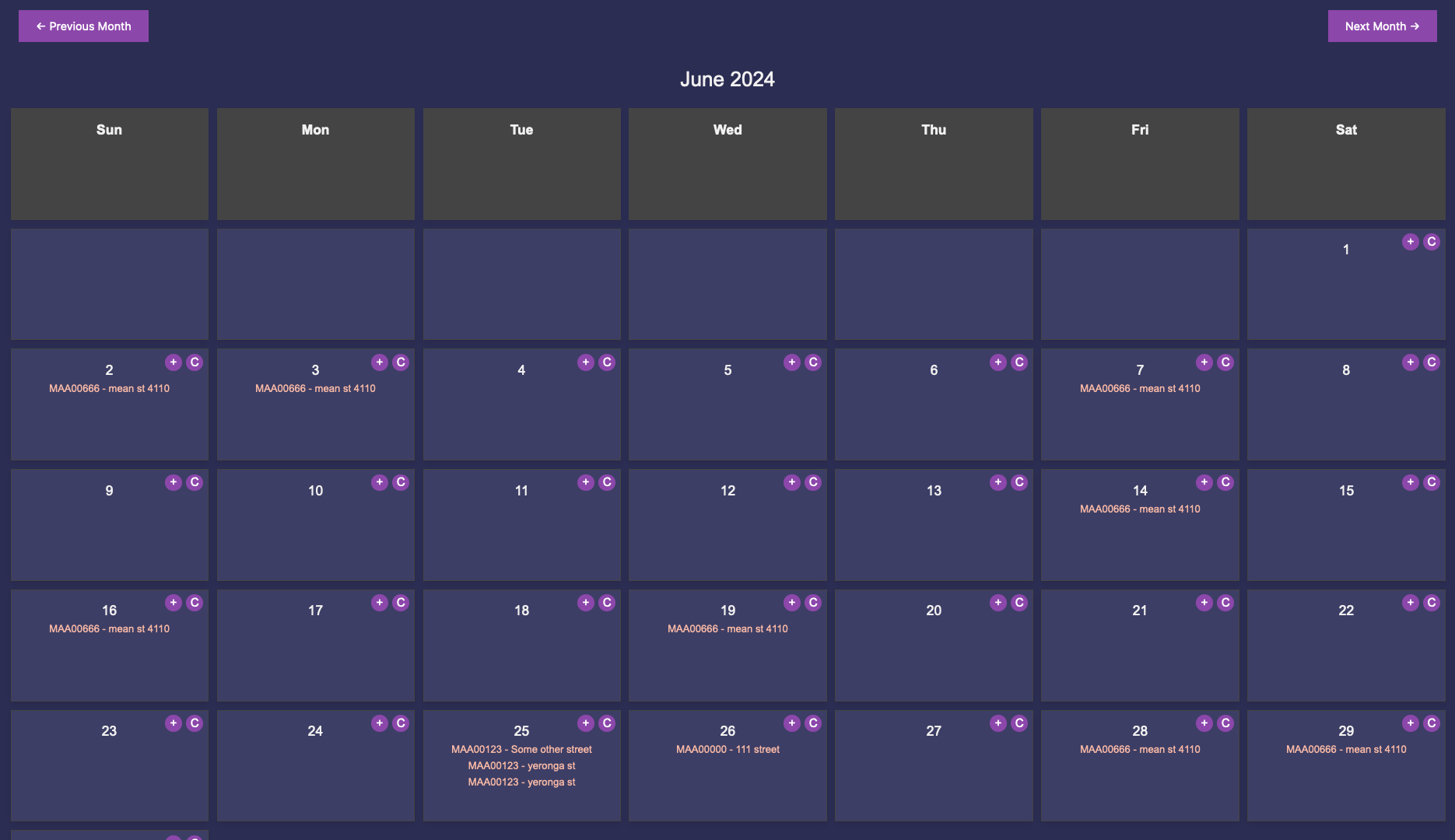
View and Add Job Cards: Click on any date to view or add job cards for that day. This makes it easy to keep track of your daily job schedules.
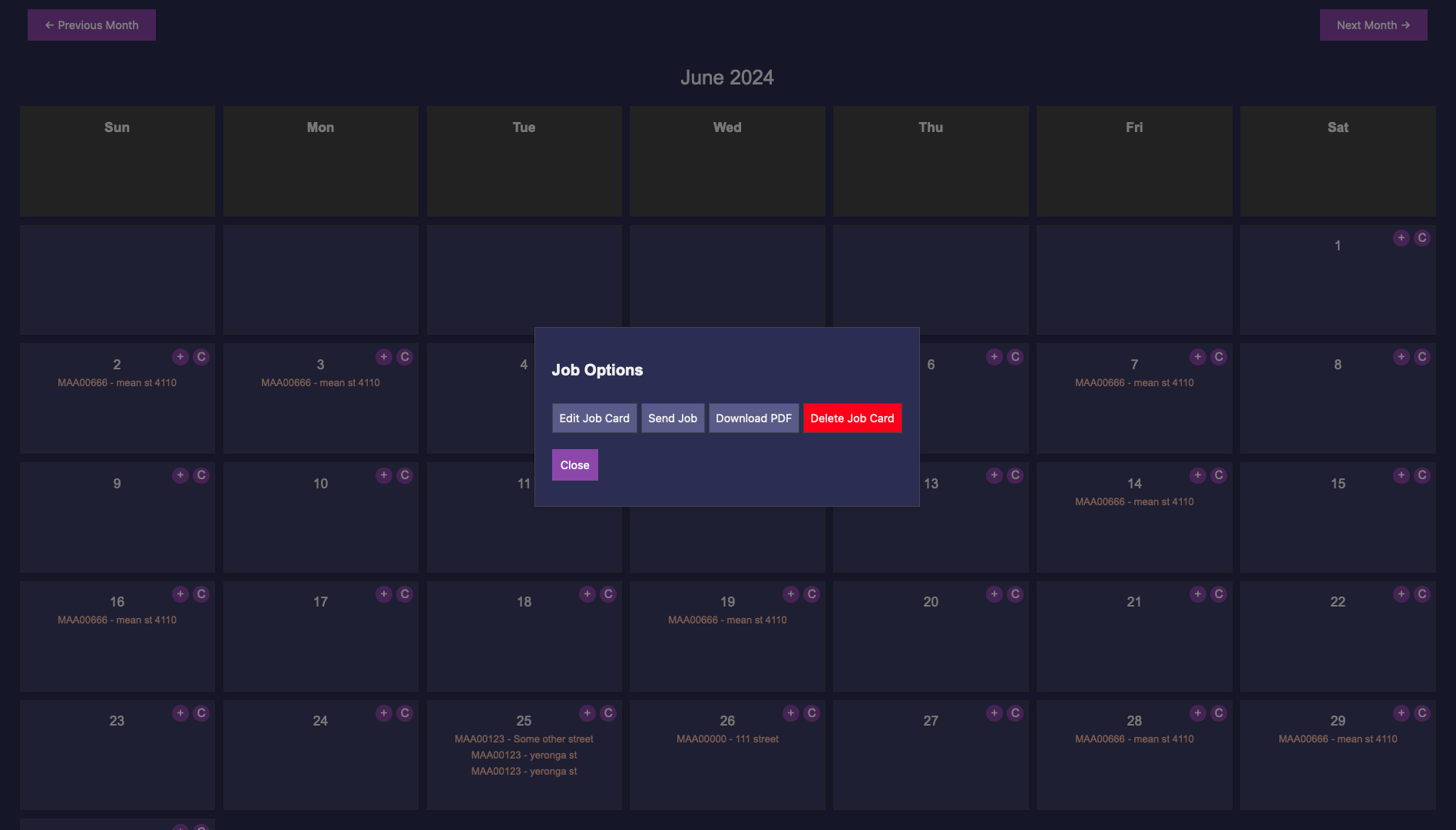
Multiple Job Cards: If multiple job cards exist for a date, you will be prompted to select one to view or edit, ensuring you can manage all tasks for the day.
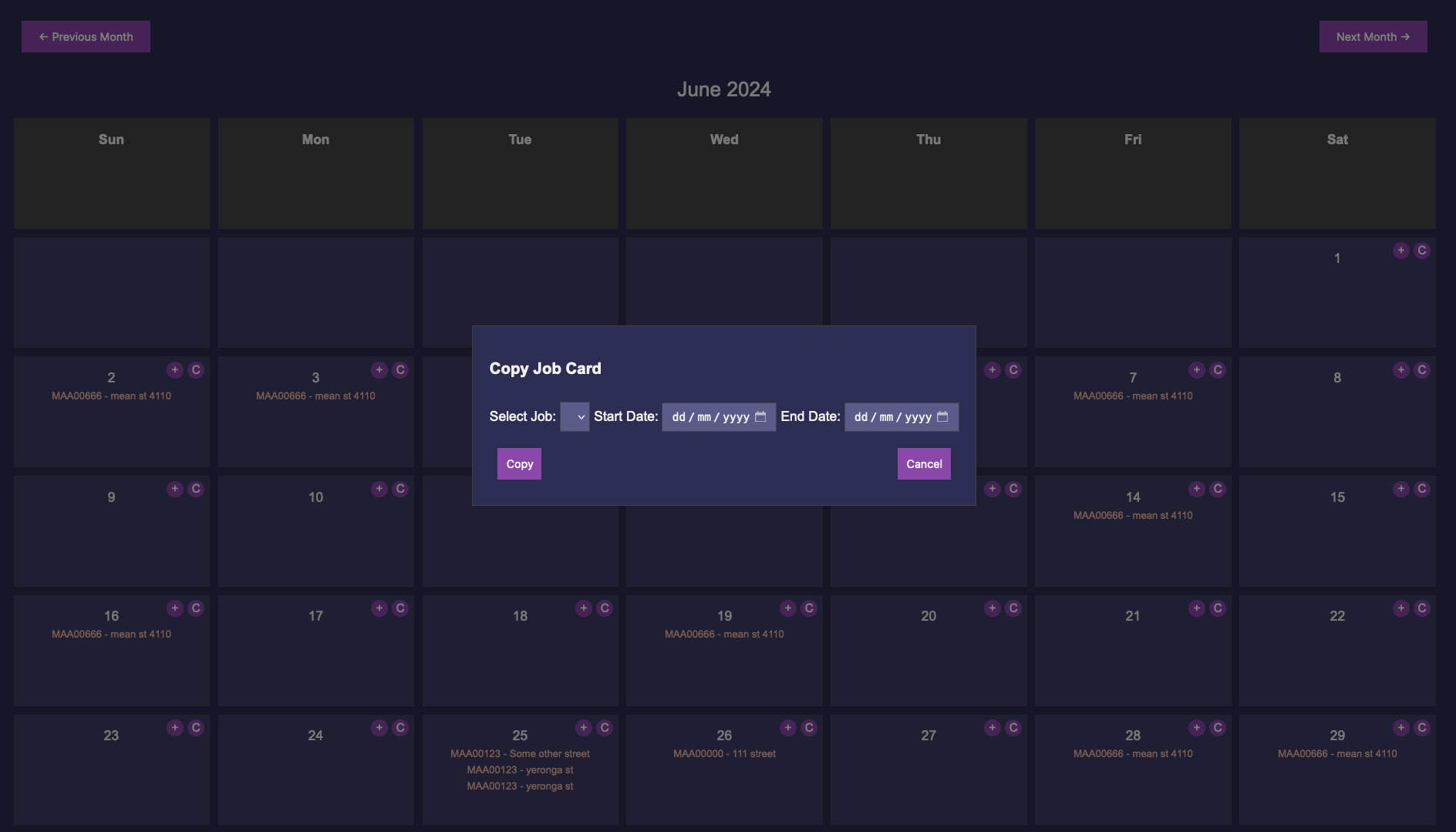
Copy Job Cards: The 'C' button enables you to copy an existing job card to another date range. This is particularly useful for recurring tasks or jobs that span multiple days.
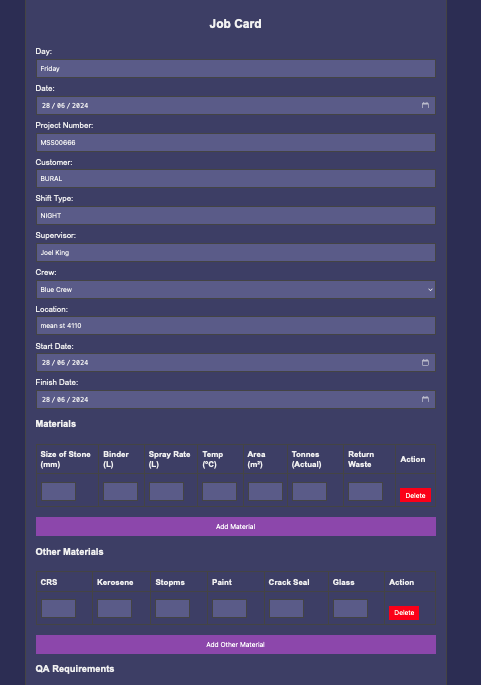
Detailed Job Information: Each job card contains detailed information about the job, including materials used, labour details, and more. This helps in maintaining a comprehensive record of all job-related activities.
Email and Text Messaging: Easily email all personnel listed on the job card or send text messages to the crew. This functionality ensures quick and effective communication with your team.
User-Friendly Interface: The calendar is designed with a user-friendly interface, featuring a dark velvet theme with intuitive icons and buttons for easy navigation and management of job cards.